Your own anime AI character
Pick the anime style on the first screen and build a character no one else has.

 OnlineKiki
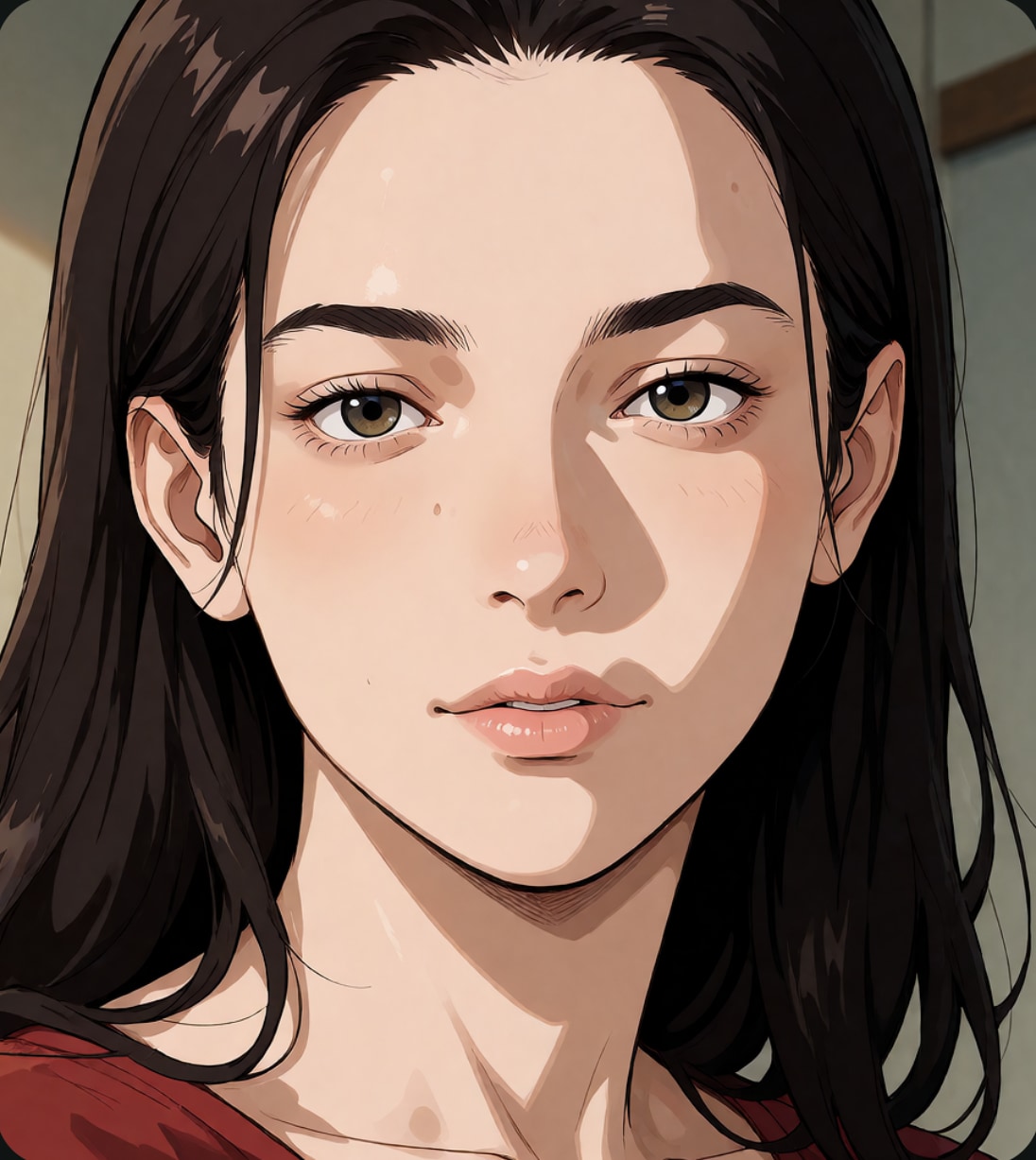
CraveMe offers two styles when you create a character: realistic and anime. Choose anime and your character is drawn in that style from the first portrait, with the same face kept across every image you receive in the Telegram chat.
What the anime style gives you
Anime is a language of its own: big expressive eyes, bold hair colours, faces that read emotion at a glance. When you pick it on the first screen, the portrait, and every picture after it, is drawn in that look instead of imitating a photograph.
That matters for recognition. A drawn character is known by a handful of features, such as the eye shape, the fringe, the colour of the hair, so keeping them identical from scene to scene is what makes her feel like one person rather than a new sketch each time.
Archetypes and how they talk
Anime fans already know these voices. Name the one you want in the personality field and she will lean into it.
| Archetype | Her manner | A line you might get |
|---|---|---|
| Sunny and energetic | Exclamation marks, big plans, impossible to discourage | “Okay, new rule: we are getting ramen and you are telling me everything!” |
| Cool and quiet | Short sentences, dry wit, notices details others miss | “You left your scarf on the chair. ...I kept it warm.” |
| Prickly but soft | Denies caring, then proves she does | “It's not like I was waiting. I just happened to be online.” |
| Dreamy and bookish | Drifts into stories, hums, lovely at tangents | “Do you think clouds get tired? Sorry. Go on, you were saying?” |
| Devoted and steady | Calm, dependable, remembers promises | “I said I'd walk you home, and I meant it. Shall we go?” |
The last archetype works just as well for a male character; the gender choice is separate from the style.
Scenes that suit the style
Anime has a visual vocabulary that makes certain settings feel right. Ask for one with the button under a message, or let the automatic photos pick up the mood of the chat.
- A rooftop at sunset
- Wind in her hair, the city turning orange behind her.
- A summer festival
- Lanterns, a yukata, a paper bag of sweets and a tired grin.
- A bus stop in the rain
- Shared umbrella, glowing puddles, a quiet few minutes.
- Cherry blossom path
- Petals drifting down, her turning around mid-step to laugh.
Giving her a voice that fits the drawing
A speech habit does more than a long description. One recurring phrase, a nickname she uses for you, a thing she says when embarrassed: write one or two of these into the personality field and they surface naturally across a week of chatting.
Pair the voice with a setting in the backstory. A transfer student who just joined your class, a shrine maiden-in-training, the rival from the next street over. A single line of context is enough, and it keeps her answers from sliding into a generic cheerful voice.
From a photo to a drawn face
Choose a reference with clear features
A portrait where hair, eyes and expression are easy to see gives the generator the most to work with. You only need to have the right to use the picture.
Get an original face
The result is a new anime portrait that echoes the general look of your reference, not a trace of it.
Write who she is
Add a name, a few traits and optionally a backstory, then save and start the conversation.
Anime questions
Can I keep anime and realistic characters side by side?
Yes, each one has its own style, and your account has room for ten in total.
Will her eyes and hair stay the same in every picture?
Yes. The face generated at the start is what every later image is built around.
Can I make a male anime character?
Yes. Man, woman and trans woman are all available with either style.
Do I need a drawing of my own as a reference?
No. Any portrait you are allowed to use works as inspiration.
How do I get the anime style?
Pick it on the first screen of the mini app, before you add the portrait.